Five layers of proctoring watch every test, so each score reflects what the candidate can really do.
Each step shows what one of the layers picks up. Click a step to see it in action.
Turn on the layers that fit each role. Together they cover what's on the screen, who's taking the test, what's happening around them and where their code came from.
Screenshots captured throughout the test show how the candidate worked, from the first question to the last.

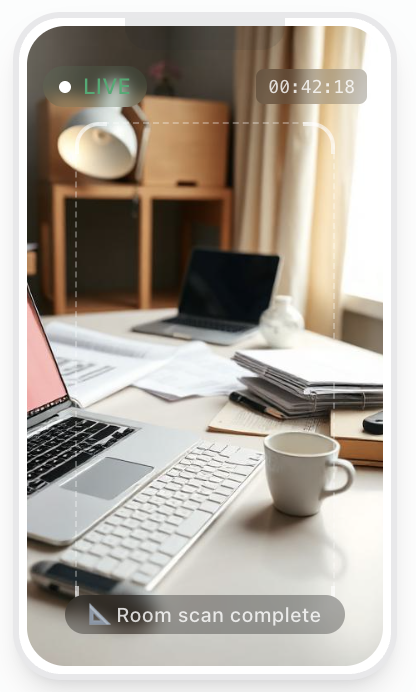
The candidate's phone becomes a second camera that shows the desk and the room around it. Connects with a QR code, no app needed.
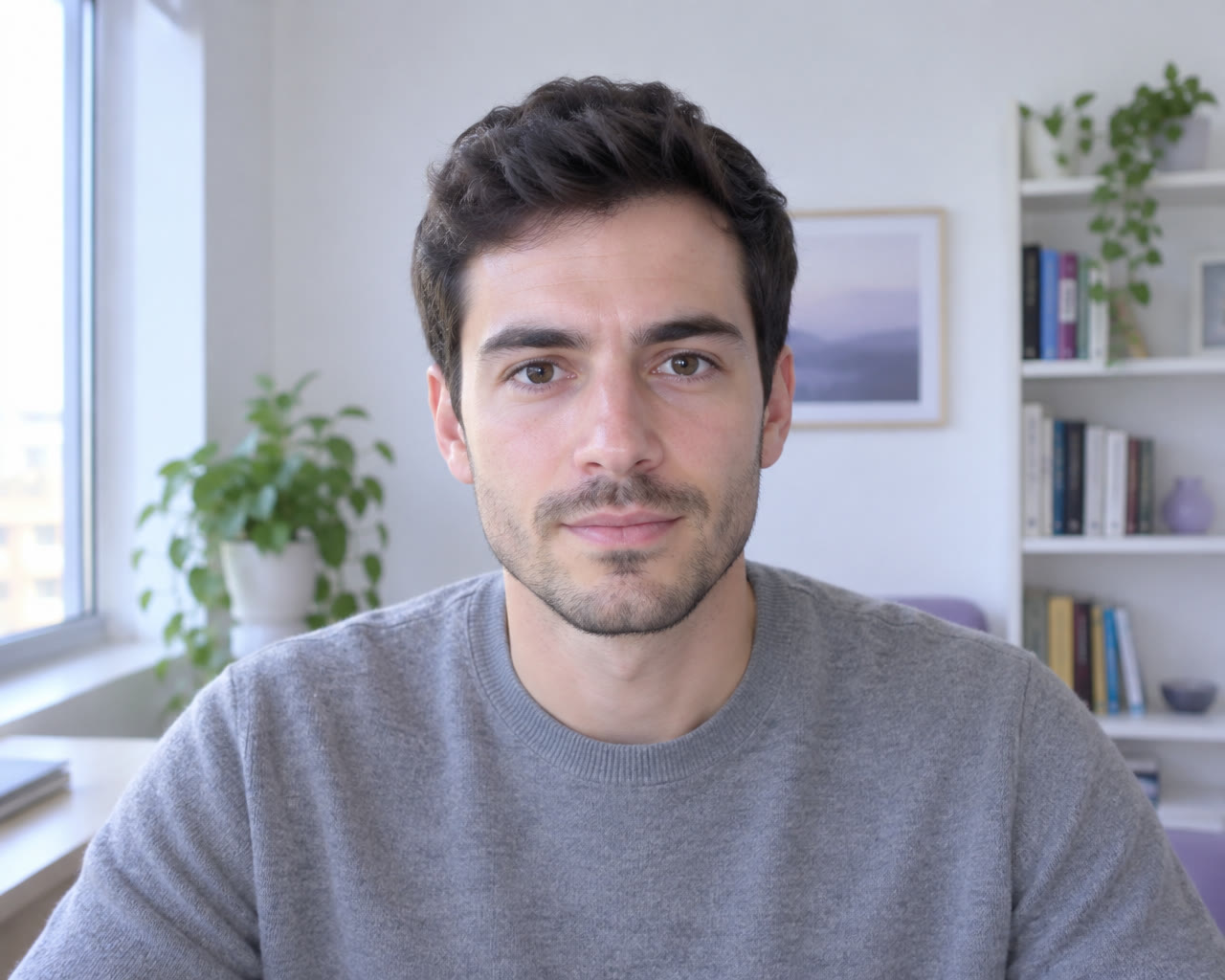
Learn moreSnapshots confirm the same person is present for the whole test.
Leaving the test tab is detected and logged in real time.
When code is pasted into the editor instead of typed, the paste is detected and logged with its time, so you can see which parts of the answer the candidate wrote themselves.
1def monthly_churn(df):
2    active = df[df.status == "active"]
3    lost = df[df.status == "churned"]
4    return lost.groupby("month").size() / \
5           active.groupby("month").size()6
7print(monthly_churn(data))
Everything lands in one report the moment the test ends, with a risk summary that points your team to what needs a closer look.
Each snapshot and screenshot is saved with the minute it was taken.
No need to go through every image to find the moments that matter.
Review the evidence next to the results, then decide.
Mary Smith · Senior Data Analyst test




No. Proctoring runs in the browser during the test. For Smart Mobile Proctoring, candidates scan a QR code with their phone - there's no app to download.
Yes. You decide which proctoring options are turned on for each test, so you can match the level of monitoring to the role.
Yes. Candidates see clear instructions before the test starts, including the request to stay on the test tab.
The report marks the event and shows the evidence behind it, such as the snapshot or screenshot and the time it was taken. Your team reviews it and makes the decision.
Yes. When a candidate pastes into the code editor, the paste is detected and logged with its time, so you can review it next to the code they submitted.
Less than a minute. The candidate scans the QR code, allows camera access and places the phone so it shows the desk and keyboard.
See how LuGo Test's proctoring tools keep your assessments fair, secure and reliable.
Talk to Us© Copyright 2025, LuGo-Test Technologies LTD.