
Turn the candidate's phone into a second camera and get a live view of their surroundings during the test - beyond the screen. See what's happening around the candidate in real time and gain a clearer, more complete view of the testing environment.
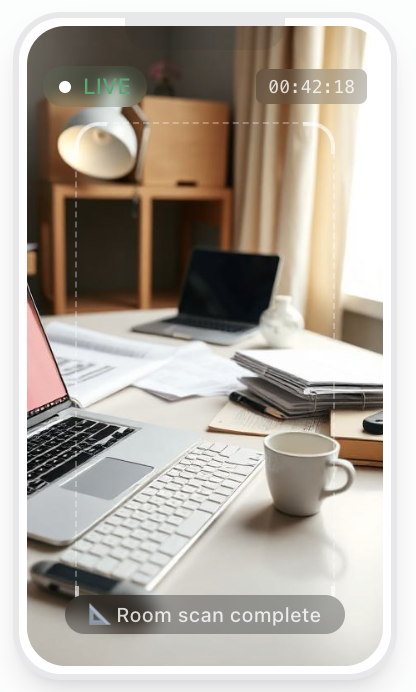
Traditional webcam monitoring only captures what's directly in front of the camera.
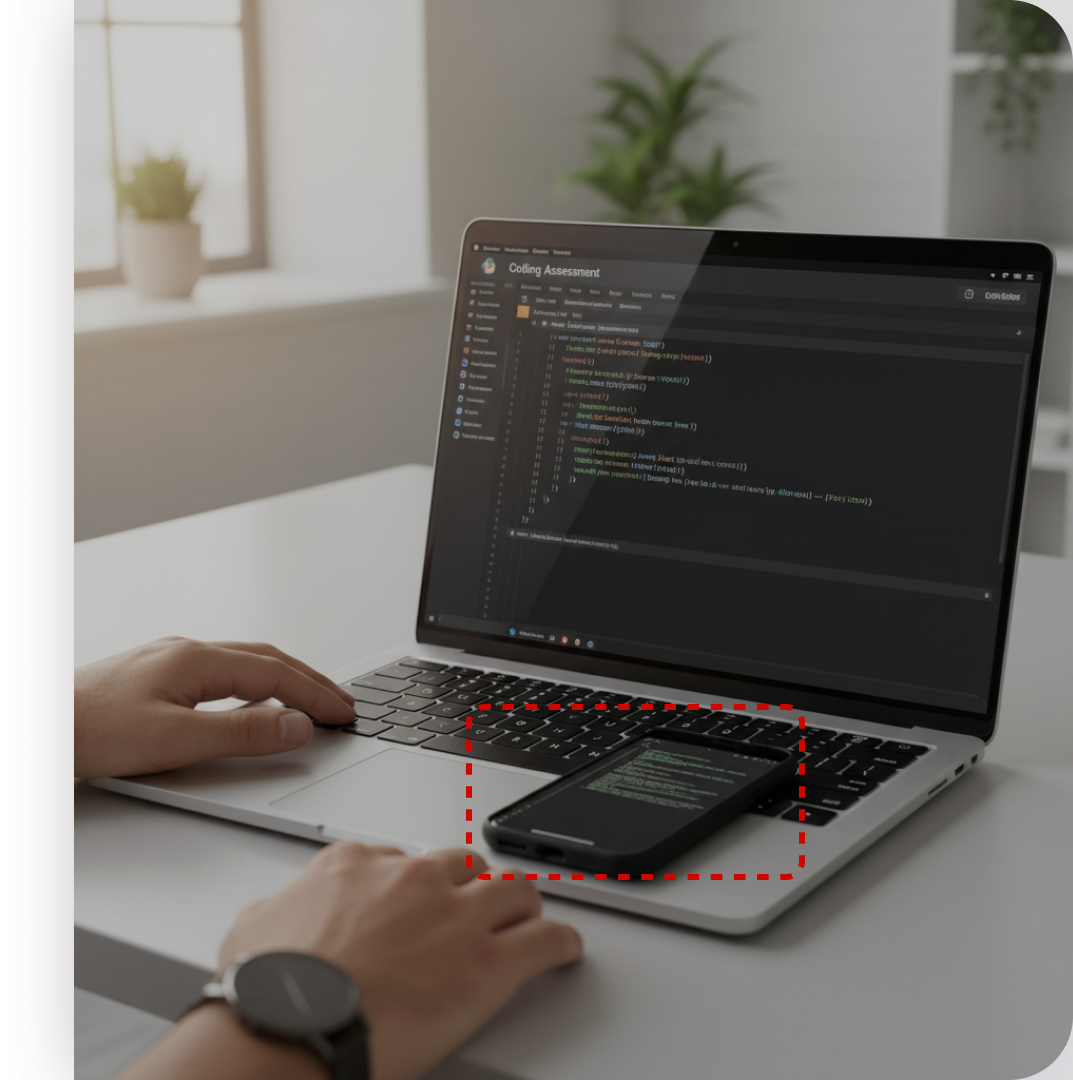
Phones and tablets positioned outside the camera frame stay completely out of view.
Without full visibility, results don't always reflect what a candidate can actually do.
Candidates link their phone as a second camera in three simple steps - no app to download, monitoring starts automatically.
The candidate scans a code on their computer screen to connect their phone to the test.
A quick permission prompt and on-screen guide help frame the desk, keyboard, and screen.
Once confirmed, both devices stay connected - monitoring runs in real time until the test ends.
Face and environment snapshots are scored automatically, so a risk summary is waiting the moment the test ends.
Candidate session · both cameras




Make hiring decisions based on verified, fully-monitored candidate performance.
Full-room visibility closes the gap that phone and tablet cheating relies on.
Automatic monitoring and scoring handle thousands of tests without extra reviewer time.
Setup takes under a minute and never disrupts the flow of the test.
Turn on Smart Mobile Proctoring for any test, at no extra cost, and get full visibility from the very next session.
Talk to Us© Copyright 2025, LuGo-Test Technologies LTD.


